
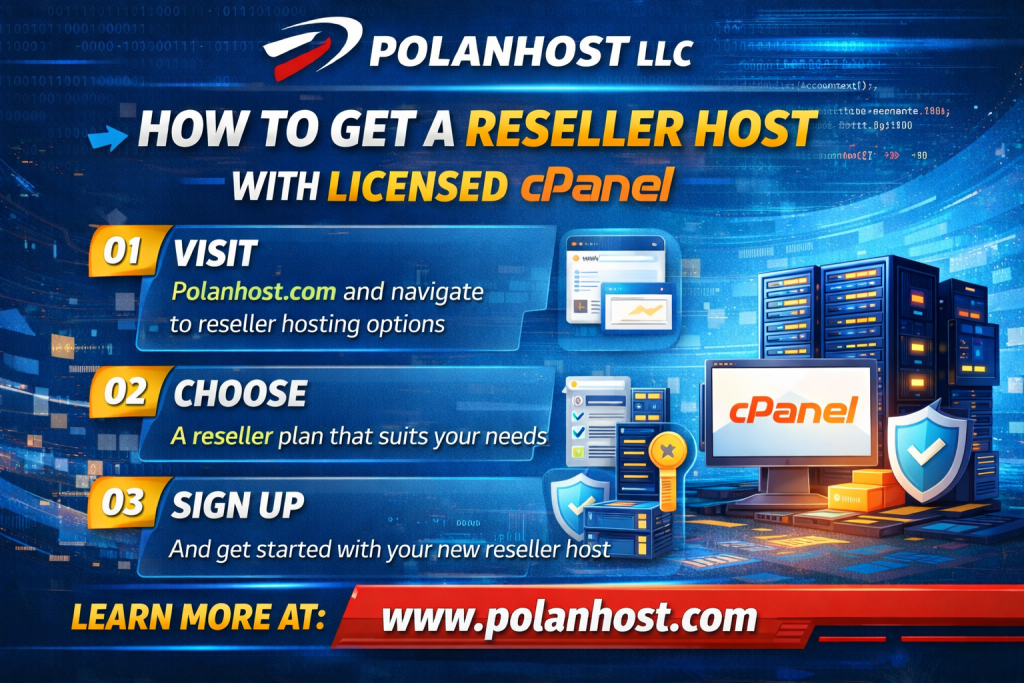
Here’s a clear step-by-step guide on How To Get a Reseller Web Hosting From Polanhost LLC With Licensed CPanel:
📌 1. Understand What Polanhost Offers
Polanhost LLC provides reseller hosting plans that include:
- WHM (WebHost Manager) — gives you control to create/manage cPanel accounts.
- cPanel accounts for your clients.
- Private nameservers and free SSL certificates.
Reseller hosting lets you start your own hosting business or host multiple client sites with their own cPanel dashboards.
📌 2. Choose the Right Reseller Plan
Before signup, check Polanhost’s reseller offerings — typical features include:
✅ Unlimited disk space & bandwidth
✅ Up to ~75 cPanel accounts
✅ WHM control panel
✅ WHMCS (for billing automation)
👉 This shows Polanhost includes cPanel & WHM access in their reseller plans.
💡 If you need WHMCS or more cPanel accounts, make sure the plan includes it — sometimes WHMCS may only be included on higher tiers.
📌 3. Sign Up on Polanhost’s Website
Here’s how to proceed:
- Go to Polanhost’s hosting page
Visit the official reseller hosting page (e.g., polanhost.com/hosting.php). - Select a Reseller Plan
Click the “Buy Now” button for the reseller tier that fits your needs (accounts limit, WHMCS inclusion, pricing). - Create an Account / Sign In
You’ll be prompted to register an account with Polanhost (email, password, billing info). - Configure Your Plan
- Choose billing cycle (monthly/annual)
- Add domain name (if required) — this often becomes your primary host domain
- Confirm addon services (like WHMCS if offered/needed).
📌 4. Complete Payment
Polanhost should let you pay via common payment options (credit card, PayPal, or local currency). After payment:
✔ You’ll get a welcome email
✔ Your reseller account is activated
✔ You’ll receive WHM login credentials
✔ Your cPanel license is tied to this reseller account
📌 5. Access WHM & Start Creating cPanel Accounts
Once your reseller account is active:
- Log into WHM using the link and credentials in your welcome email.
- Create packages — define hosting limits (disk, bandwidth, email, etc.) for your customers.
- Create cPanel accounts for your sites/clients — each client gets their own dashboard.
WHM handles all cPanel account licenses and backend provisioning automatically.
📌 FAQs & Tips
❓ Is a separate cPanel license needed?
No — with Polanhost reseller plans the cPanel license is bundled and managed for you by the provider. You won’t usually have to buy a separate cPanel license.
❓ Do I need WHMCS?
- WHMCS automates client signup, billing, support, and account provisioning.
- Some plans include WHMCS; if not, you may need to add or install it yourself.
❗ Tips for Success
✅ Choose a domain you’ll use for hosting your reseller business.
✅ Set up private nameservers (e.g., ns1.yourdomain.com).
✅ Test your WHM setup before creating client accounts.
✅ Check support availability if you run into issues — Polanhost offers support contact options.