
If your blog is slow, frequently down, or becoming too expensive to maintain, it may be time to switch to a better hosting provider. Many Nigerian bloggers and website owners are now choosing Polanhost LLC for its affordability, speed, and reliable local support.
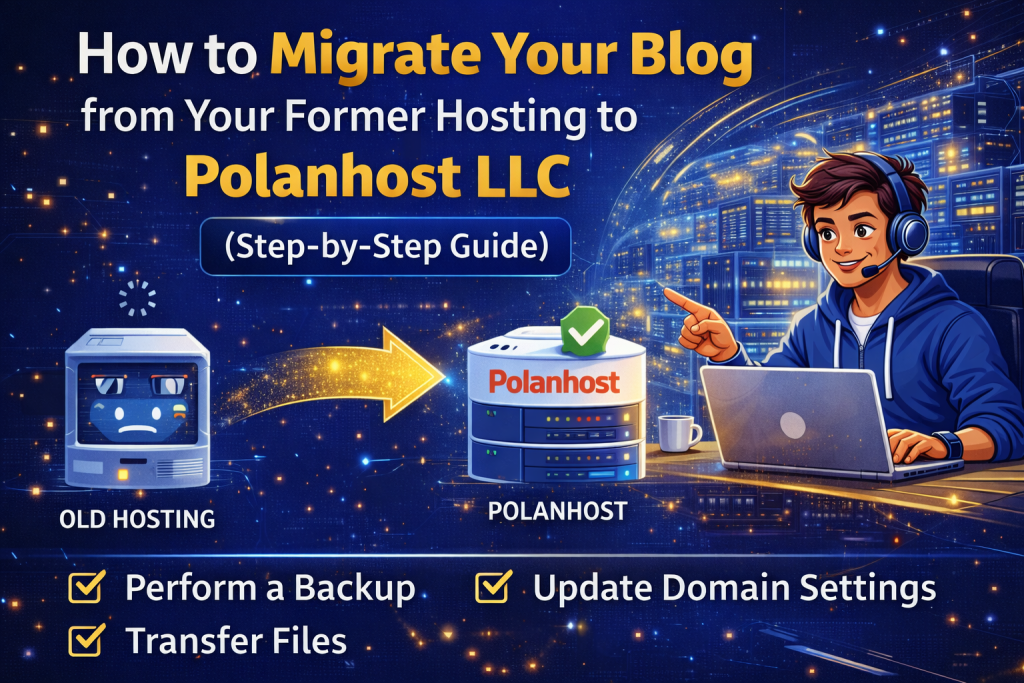
This guide explains how to migrate your blog from your former hosting to Polanhost LLC safely, without losing content, traffic, or SEO rankings.
Why Bloggers Are Migrating to Polanhost LLC
Before migrating, it’s important to understand why Polanhost LLC is the preferred hosting provider in Nigeria:
- Affordable hosting plans in Naira
- Fast SSD servers with high uptime
- Free SSL certificates
- Licensed cPanel
- 24/7 Nigerian customer support
- WordPress-friendly hosting
- SEO-optimized server environment
If you want better performance and peace of mind, Polanhost LLC is a smart choice.
Things to Do Before Migrating Your Blog
To ensure a smooth migration, prepare the following:
1. Backup Your Blog
Always create a full backup of:
- Website files
- Databases
- Emails (if applicable)
Most hosts provide backup tools in cPanel.
2. Choose the Right Polanhost Hosting Plan
Visit polanhost.com and select a hosting plan suitable for your blog’s size and traffic.
3. Lower Your Domain TTL (Optional)
Lowering your domain TTL helps DNS changes propagate faster after migration.
Step-by-Step Guide: How to Migrate Your Blog to Polanhost LLC
Step 1: Purchase Hosting from Polanhost LLC
- Go to polanhost.com
- Choose a hosting plan
- Complete registration and payment
- Access your Polanhost cPanel
Step 2: Add Your Domain to Polanhost
In cPanel:
- Go to Domains or Addon Domains
- Add your existing blog domain
- Ensure the document root is created
Step 3: Upload Your Blog Files
There are two common methods:
Option A: File Manager
- Open File Manager in cPanel
- Navigate to
public_html - Upload your blog files
- Extract them
Option B: FTP (Advanced Users)
- Use FTP software like FileZilla
- Connect using Polanhost FTP details
- Upload your blog files
Step 4: Import Your Blog Database
- Open phpMyAdmin in Polanhost cPanel
- Create a new database
- Import your
.sqlbackup file - Assign a database user with full privileges
Step 5: Update Configuration Files
For WordPress:
- Edit
wp-config.php - Update:
- Database name
- Database username
- Database password
- Database host
For custom blogs, update database connection settings accordingly.
Step 6: Test Your Blog Before DNS Change
- Use the temporary URL or hosts file
- Ensure:
- Pages load correctly
- Images display properly
- Admin dashboard works
Step 7: Update Your Domain Nameservers
Change your domain nameservers to Polanhost’s nameservers (provided in your client dashboard).
DNS propagation may take up to 24 hours, but your blog may start working sooner.
Free Blog Migration by Polanhost LLC (Recommended)
If you don’t want to handle the technical steps, Polanhost LLC offers free blog migration for many hosting plans.
Simply:
- Open a support ticket
- Provide your former hosting login details
- Polanhost’s technical team will migrate your blog safely
This ensures zero downtime and no data loss.
After Migration: Important Post-Migration Checks
Once migration is complete:
- Confirm SSL is active (HTTPS)
- Check website speed improvement
- Verify all plugins and themes
- Monitor Google Search Console
- Submit sitemap if needed
Polanhost’s optimized servers help improve blog speed and SEO performance.
SEO Benefits of Migrating to Polanhost LLC
Migrating your blog to Polanhost LLC can positively impact SEO due to:
- Faster page loading times
- Stable uptime
- Secure HTTPS hosting
- Clean server IP reputation
All these factors help improve Google rankings and user experience.
Common Migration Problems (And How Polanhost Solves Them)
| Problem | Solution |
|---|---|
| Downtime | Free professional migration |
| Data loss | Full backups & secure transfer |
| SEO drop | SEO-friendly infrastructure |
| Technical stress | 24/7 Nigerian support |
Why Polanhost LLC Is the Best Hosting for Bloggers in Nigeria
Polanhost LLC understands the needs of Nigerian bloggers and content creators. With affordable pricing, local support, and performance-optimized servers, it offers the perfect environment for blog growth.
Whether you’re running a personal blog, news site, or monetized content platform, Polanhost LLC gives you the tools you need to succeed.
Conclusion
Migrating your blog from your former hosting to Polanhost LLC is a smart move in 2026. With better speed, reliability, security, and customer support, Polanhost helps your blog perform better while saving you money.
👉 Ready to migrate? Visit https://polanhost.com today and enjoy stress-free blog hosting in Nigeria.